01 · Push to talk
Talk to your Mac
Hold your shortcut, speak naturally, and release. Macky answers aloud and can take supported actions without opening a chat window.
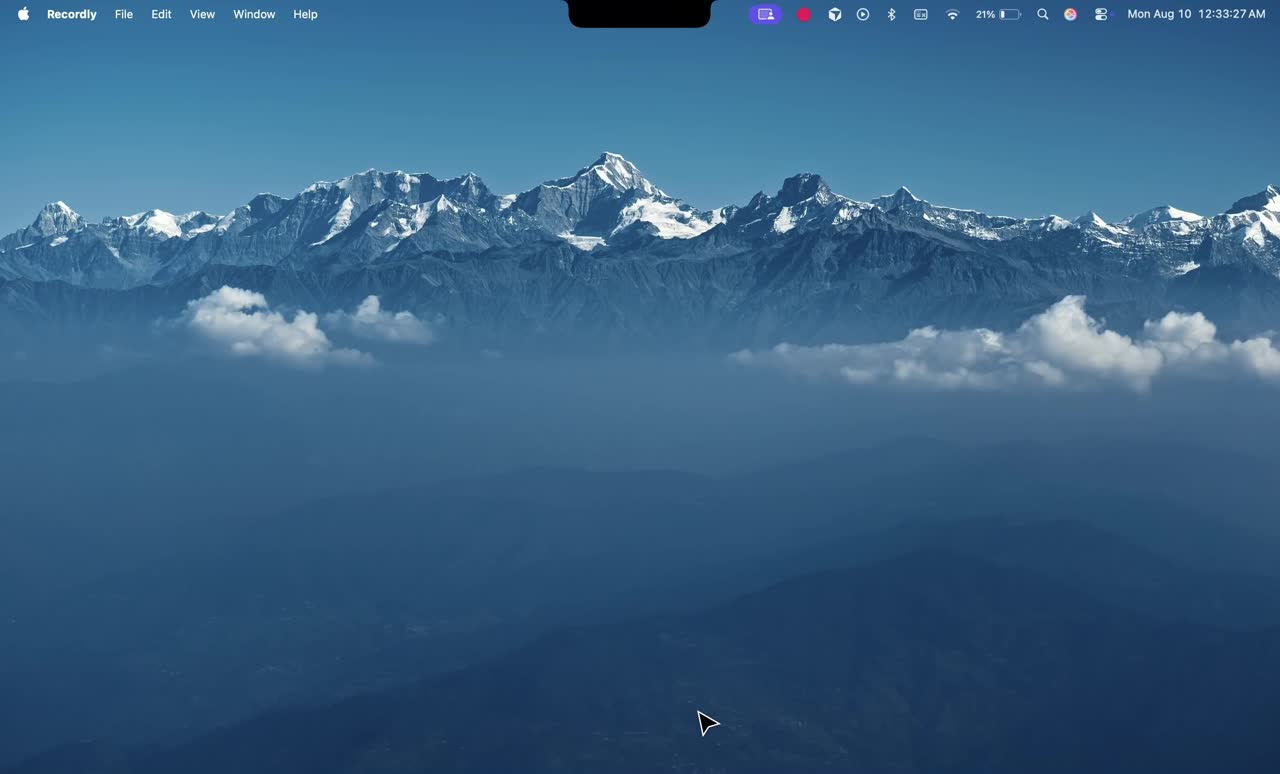
Macky lives in your Mac's notch until you need a hand. Hold Control + Option, say what you need, and it works across your apps. No extra windows. Just back to what you were doing.
Macky stays in the notch until you call it — then it gets out of the way.
Press your shortcut and keep holding.
Say what you need in plain language.
Macky acts. You stay where you were.
Hold your shortcut, speak naturally, and release. Macky answers aloud and can take supported actions without opening a chat window.
A separate safety-first dictation path validates the focused field, listens while you hold Ctrl + Fn, and inserts one final result only if the same field is still active.
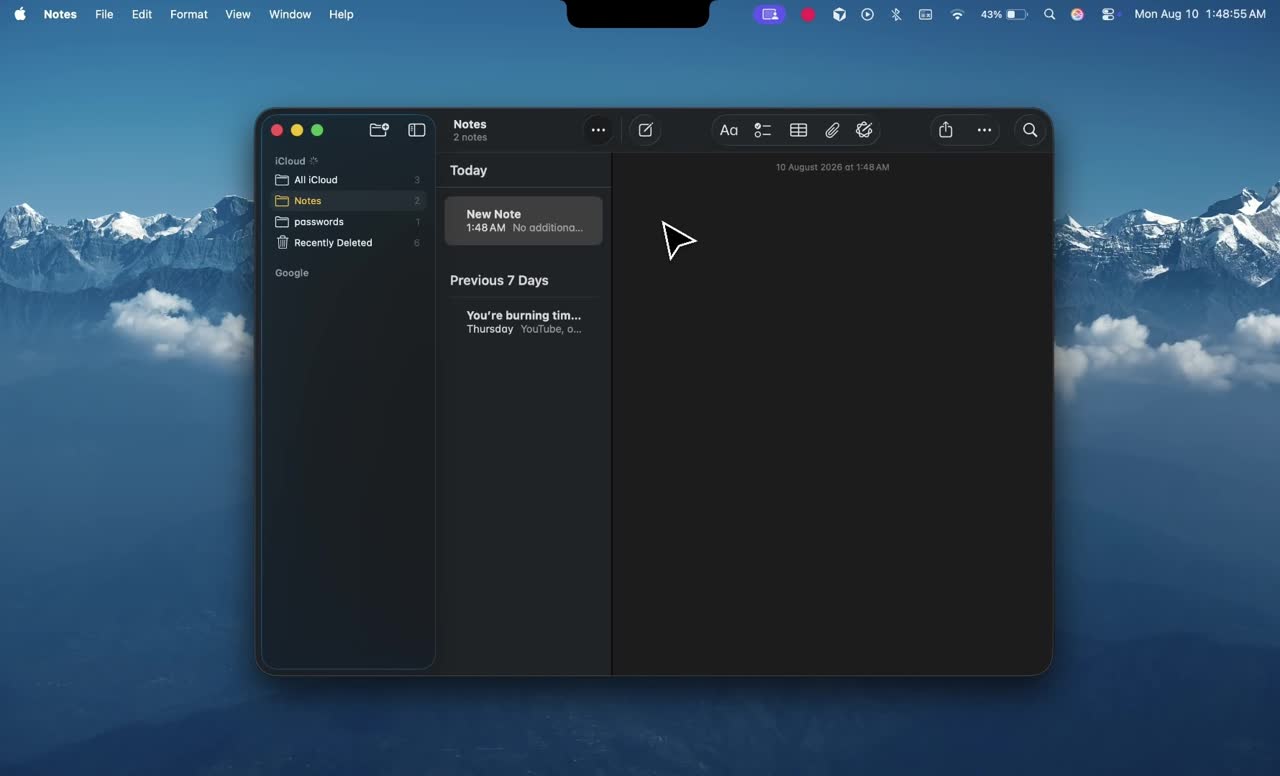
When you ask for visual help, Macky captures fresh screen context and reasons about what is in front of you. It does not continuously record your screen.
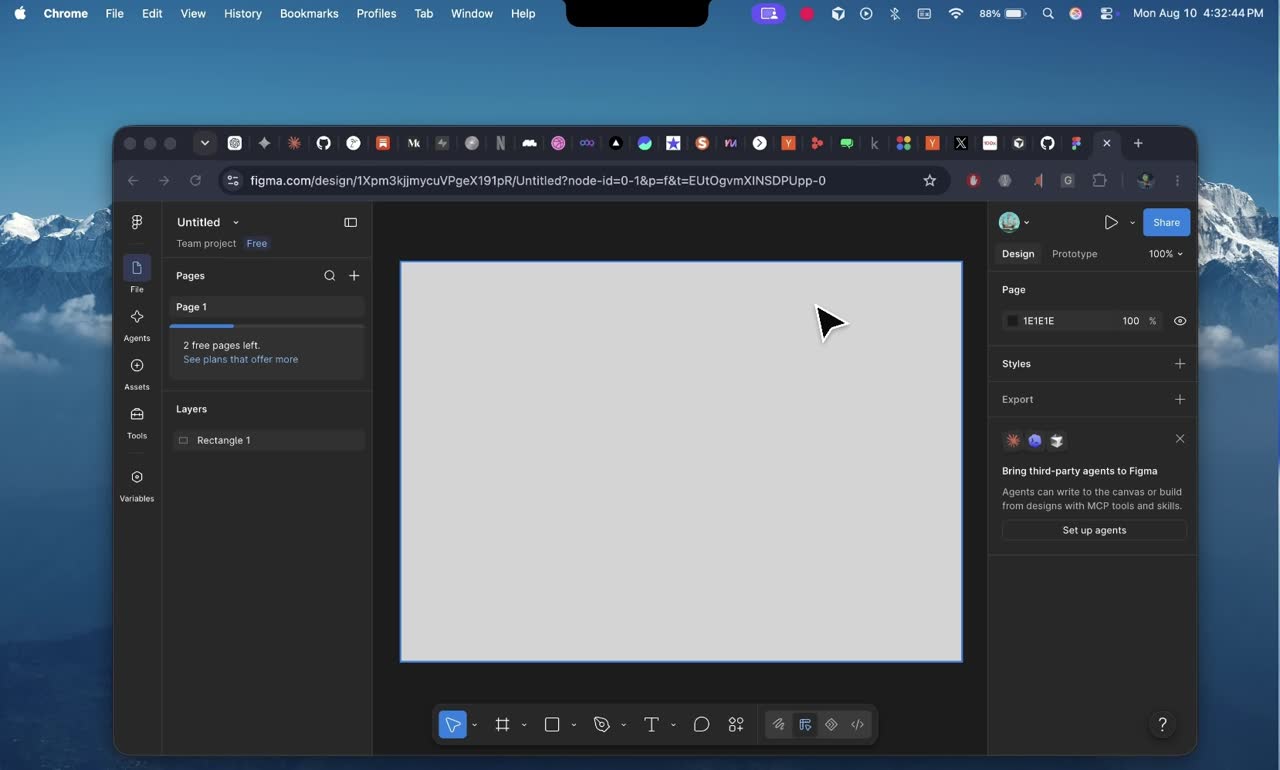
Open apps and websites, change volume, toggle Do Not Disturb, lock the screen, set a reminder, check the calendar, or take care of another supported Mac task.

Connect Gmail, Slack, Spotify, Google Calendar, Notion, GitHub, and Linear as you need them, then make clear requests in your own words.

Drop images, PDFs, text, and other readable files into the notch panel, and Macky will use them alongside the active conversation.
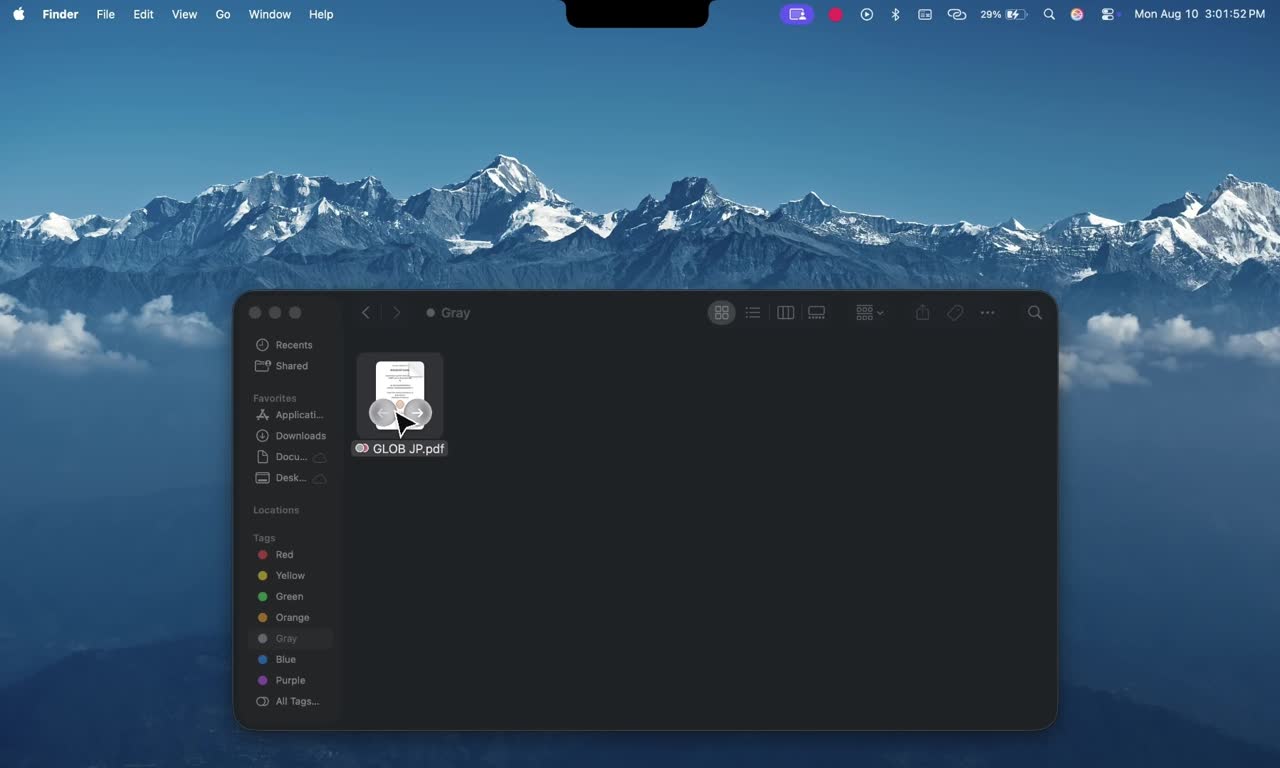
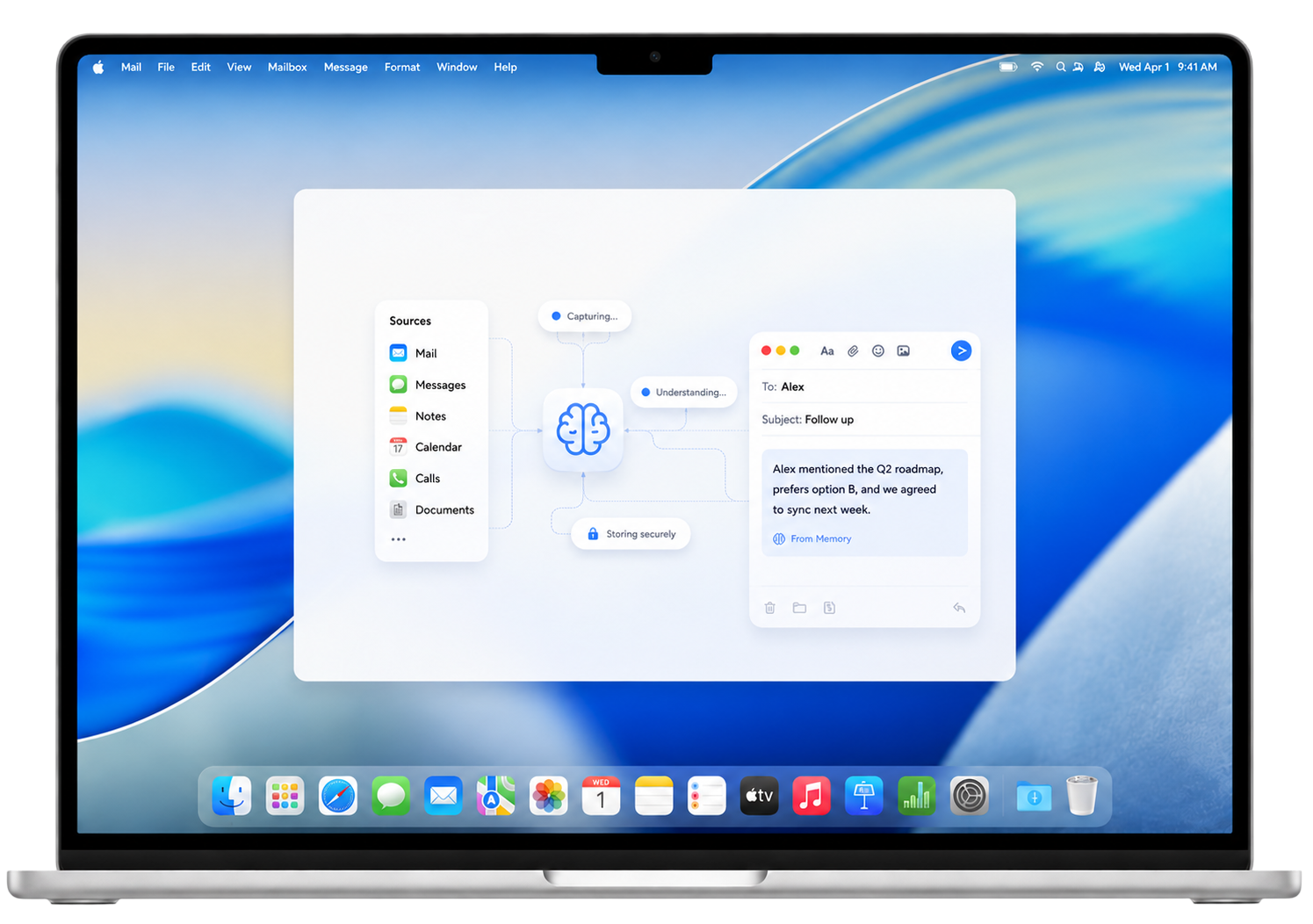
Most assistants wipe the slate the second you let go. Macky keeps the unfinished bits — the reply you owe, the decision you almost made, the thread you said you’d come back to — so the next time you speak, you’re not starting from zero.
After memorizing, Macky closes the loops — a reply to Sam Altman, a Q3 report to Elon Musk, a follow-up with Jensen Huang, a calendar invite for Mark Zuck, and a Linear issue for Dario Amodei.
That email you meant to send. The call you said you’d make. The idea that never quite landed. Macky keeps those close — not buried in old chat, but sitting where you can still do something about them.
This isn’t a scrapbook of everything you’ve ever said. It remembers what changed, what you chose, and what’s still hanging — then brings it back until it’s actually done. Jump between things freely. Macky won’t lose the ones that still matter.
Your preferences, projects, and unfinished work stay with you — easy to check, easy to delete. No quiet cloud diary of your day. If something shouldn’t be remembered, you can clear it.
Sometimes you need research. Sometimes a chase across apps. Sometimes a chore you shouldn’t sit and watch. Macky keeps you in the notch — where you talk and decide — and hands the messy middle to focused helpers. They do the dig. You get the answer. Then you can move on.
 Gmail“Read my unread email.”
 Slack“Tell the team the fix is live.”
 Spotify“Play something focused.”
 Google Calendar“What is on tomorrow?”
 Notion“Find the launch brief.”
 GitHub“Check the open pull requests.”
 Linear“Move the issue to done.”
What Macky does today, how permissions and context work, and what is still coming next.
Macky is a macOS, notch-first, push-to-talk AI assistant. Hold a shortcut, speak, and it can answer or take supported actions across your Mac and the services you connect. It targets macOS 14.2 or later — Macs with a physical notch get the native notch experience; other Macs use a top-center floating bar.